Virtual Cards
Fast, Convenient, and Secure.
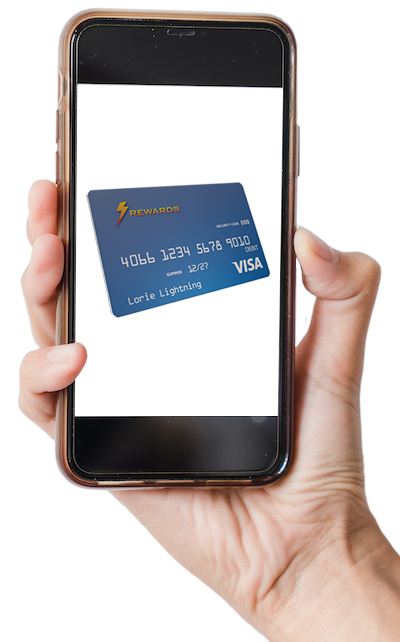
Virtual cards are prepaid debit cards which are sent out via email, instead of manufactured with plastic and mailed. This allows cards to be received and used much faster…as a matter of fact, lightning fast. These cards are specifically designed for use in purchases online, over the phone, and via mail order.
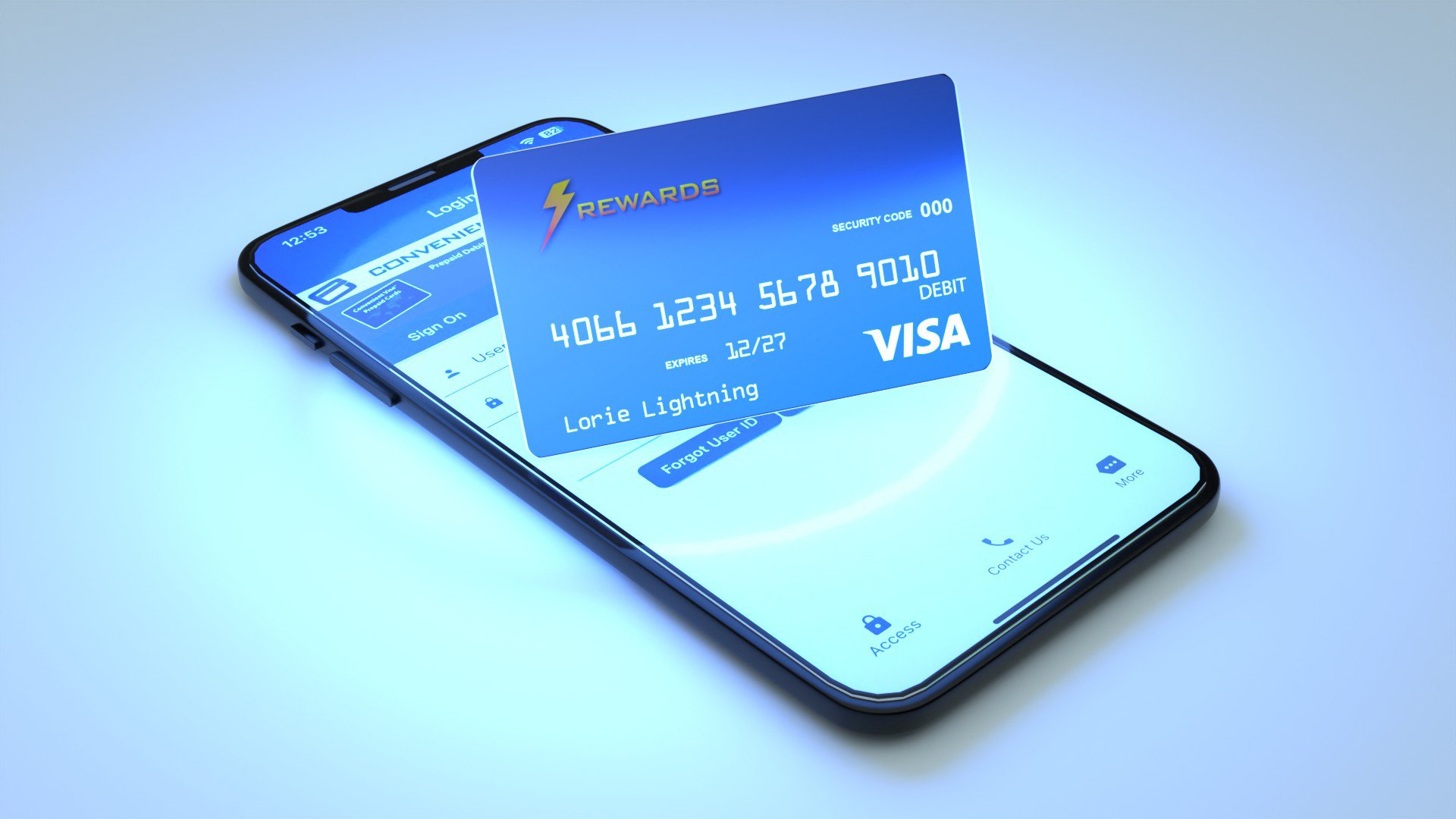
The card details such as card number, expiration date and 3-digit security code are available after the recipient of the email notification clicks the link and activates the card using our secure cardholder website or mobile app. With the card details revealed the cardholder will have everything they need to make purchases online, over the phone, or via mail order.
Virtual cards can be added to digital wallets such as Apple Pay, Google Wallet and Samsung Wallet. After the card is added to a digital wallet it can be used for in store purchases where the digital wallet is accepted.
Frequently Asked Questions
Virtual cards are prepaid debit cards that are sent out via email, instead of manufactured with plastic and mailed. This allows cards to be received and used much faster. Virtual cards are specifically designed for use in purchases online, over the phone, and via mail order. Virtual cards can be added to digital wallets and used for in store purchases where digital wallets are accepted.
You may use your card up until the expiration date. For example, if your card expiration is 01/27 you may use your card through January 31, 2027, after which your card will be closed and will not be replaced. If you do not spend the funds on the card prior to this expiration date, the remaining funds will no longer be available to you.
Fees may apply. Please refer to the terms and conditions for your card. You can access these by clicking the link provided in the notification email that you received for the card, or by logging in to the website or mobile app and clicking "Cardholder Agreement" on the left side of the screen.
The card functions similarly to a traditional debit card, but instead of having a physical plastic card, you are able to access a card number, expiration date, and 3-digit security code that can be used for transactions that do not require a physical card, such as online and over the phone transactions. When you make a purchase using a virtual debit card, the funds are deducted directly from your available card balance. Your virtual card can be added to a digital wallet such as Apple Pay, Google Wallet and Samsung Wallet. If you add your virtual card to a digital wallet, it can be used in store anywhere the digital wallet is accepted.
To activate your card, simply click on the "Activate Card" button in the notification email you received. Follow the prompts to activate the card and create an online card account. When you complete the process, you will be able to view your card details such as card number, expiration date and 3-digit security code.
If you still have the notification email, you can click the "Activate Card" button and you will be asked to log in to the cardholder website. Once you log in, you will be able to view your virtual card details including card number, expiration date and 3-digit security code. Even without the email, you can log into your card account by clicking on the "Login" button located on the “For Cardholders” slide out menu on this page.
Your virtual card is for purchases online, over the phone, and via mail order. It can also be added to Apple, Google and Samsung virtual wallets for in-store purchases. When making an online purchase, enter your 16-digit card number, 3-digit security code, and expiration date into the merchant's credit/debit card payment section. When asked to enter your billing info, you must enter the same billing address that your card is registered with. You can access this address information by logging in to your account & clicking "Edit My Info" on the left side of the screen.
The best way to check your balance is by logging into the card account you created when activating your card. You can do this online by going to virtual.convenientcards.com and clicking the "Login" button on the “For Cardholders” slide out menu or by using the Convenient Cards mobile app.
You can view the transaction history of your card at any time by logging into the card account you created when activating your card. You can see a list of all successful and pending transactions made with this card. In some cases, it may take a few business days for your transaction history to adjust after a recent purchase is made.
If your card is not working, it may be due to one of the following reasons:
- Your card is expired.
- The transaction amount exceeds your card's available balance.
- The billing address that you entered when making the purchase does not match the address registered to your card.
If you still have the notification email, you can click the "Activate Card" button and you will be asked to log in to the cardholder website. Once you log in, you will be able to view your virtual card details including card number, expiration date and 3-digit security code. Even without the notification email, you can log in to your card account by clicking on the "Login" button located on the “For Cardholders” slide out menu on this page.
No. Virtual cards are not authorized for cash access (ATM) or money transfer services such as Venmo, Zelle or PayPal. Funds on your Virtual card cannot be transferred or deposited to a bank account. Your virtual card can be used for purchases only.
If you see charges on your card that you do not recognize, you should call the Dispute Line at 1-888-312-2088 and report the transaction(s). You will need to provide the 16 digit card number and expiration date so that the representative can locate your card. Please have this information ready prior to calling.
For real-time assistance from a customer support representative, please use the chat feature on the bottom right corner of this page during business hours. If you are looking to dispute a transaction, please call the Dispute Line at 1-888-312-2088.